

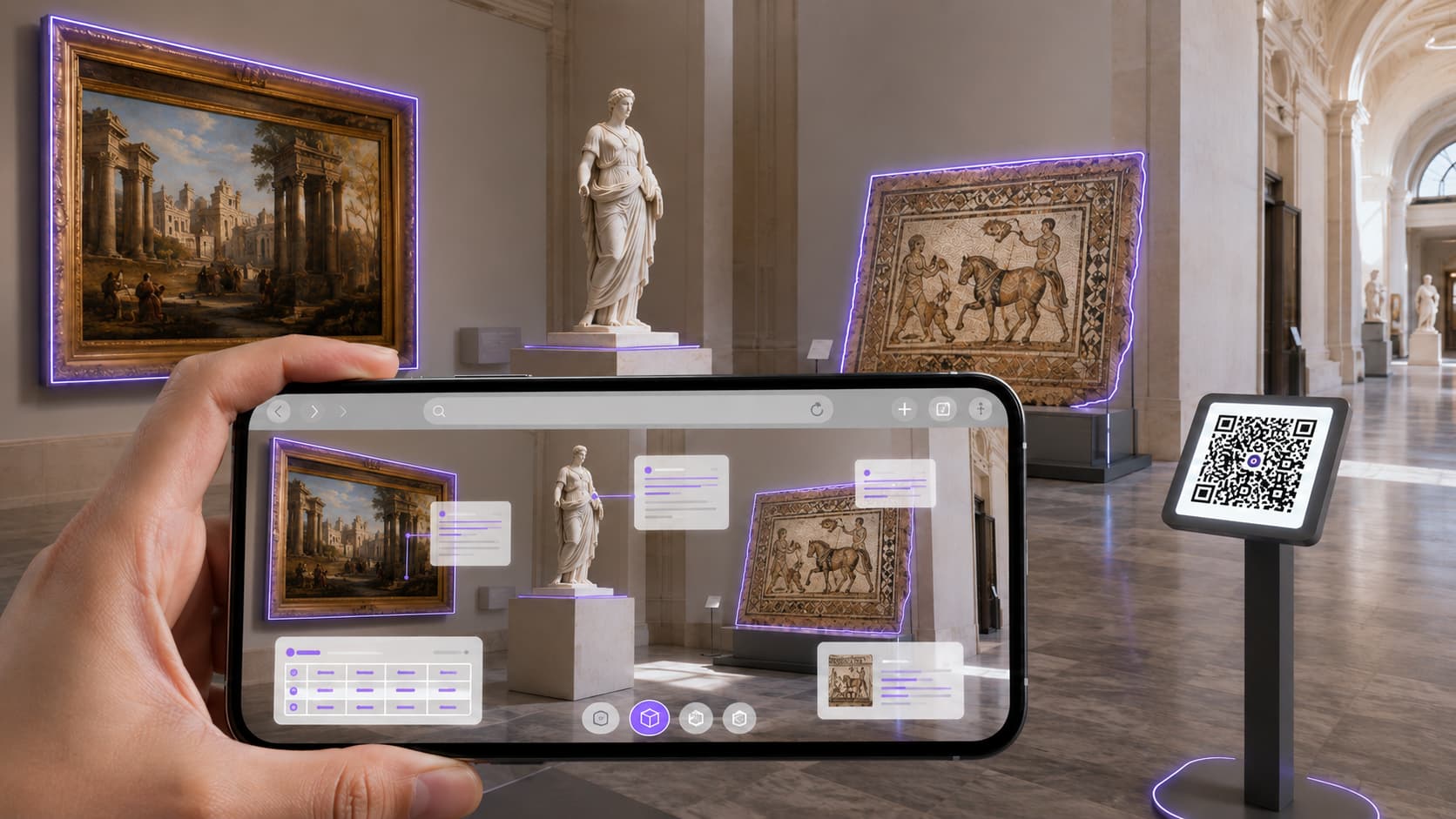
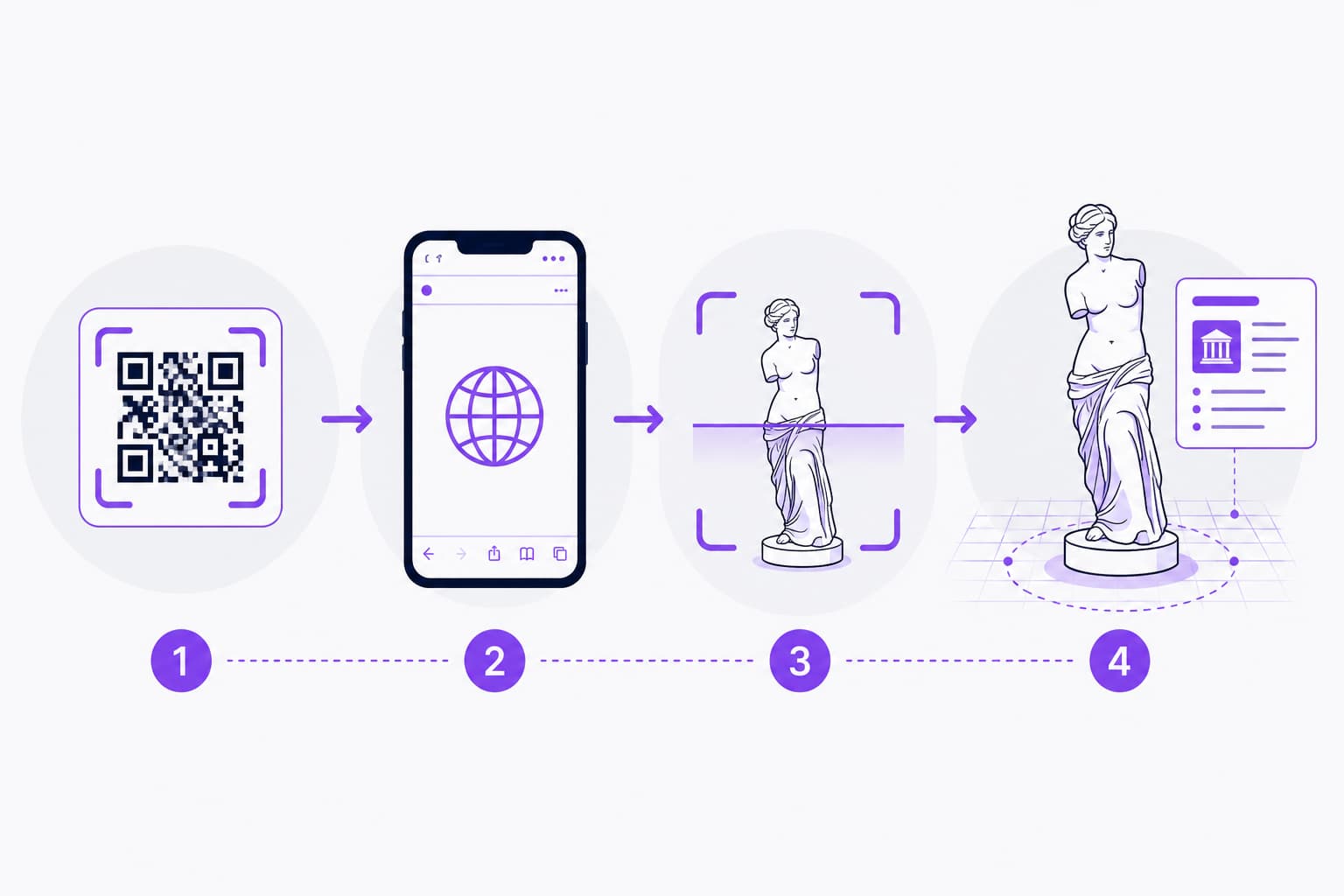
A no-download museum tour app is an augmented reality experience that opens straight in the visitor's browser — no App Store, no Google Play. It is called WebAR: the visitor scans a QR code, the camera starts inside the browser, and the augmented content (a 3D reconstruction, a historical overlay, contextual material) appears within seconds. No install, no account, no storage used.
For a museum, a heritage site or a tourist office, that technical detail changes everything: the app download is where visitors are lost first. Remove it and "you need to install an app" becomes "just scan". This article explains how WebAR works, what it does in cultural interpretation, and where a native app still wins.
In short
— WebAR is augmented reality inside the browser, launched by QR code or link, with no install.
— It removes the number one friction point of mobile interpretation: the download (mobile apps see a 74% uninstall rate one day after install).
— Under the hood: image-target tracking, markerless environment mapping (SLAM) and PWA deliver a smooth, cross-device experience without an app.
— Museum use cases: on-site overlays, an augmented reality encyclopaedia, and contextual content triggered by an object or a place.
— The limit: WebAR is built for mass accessibility; for heavy hardware access or intensive offline use, native still has the edge.
What is a no-download museum tour app?
A no-download museum tour app is a web experience — usually in augmented reality — reached through a link or a QR code, running in the visitor's browser with nothing installed from an app store. "App" here means a Web App: an interface that behaves like an app but lives on the web.
In practice the visitor only points a phone at a QR code displayed at the entrance, on a label or in front of an artefact. The browser opens a URL, asks for camera permission, and the experience starts. No account to create, no megabytes to download over the patchy mobile networks common inside heritage buildings.
Two complementary building blocks make this work: WebAR (augmented reality in the browser) and, where it helps, the PWA (Progressive Web App), which lets visitors add a shortcut to the home screen and cache content — still without any store.
What is WebAR and how does it work in the browser?
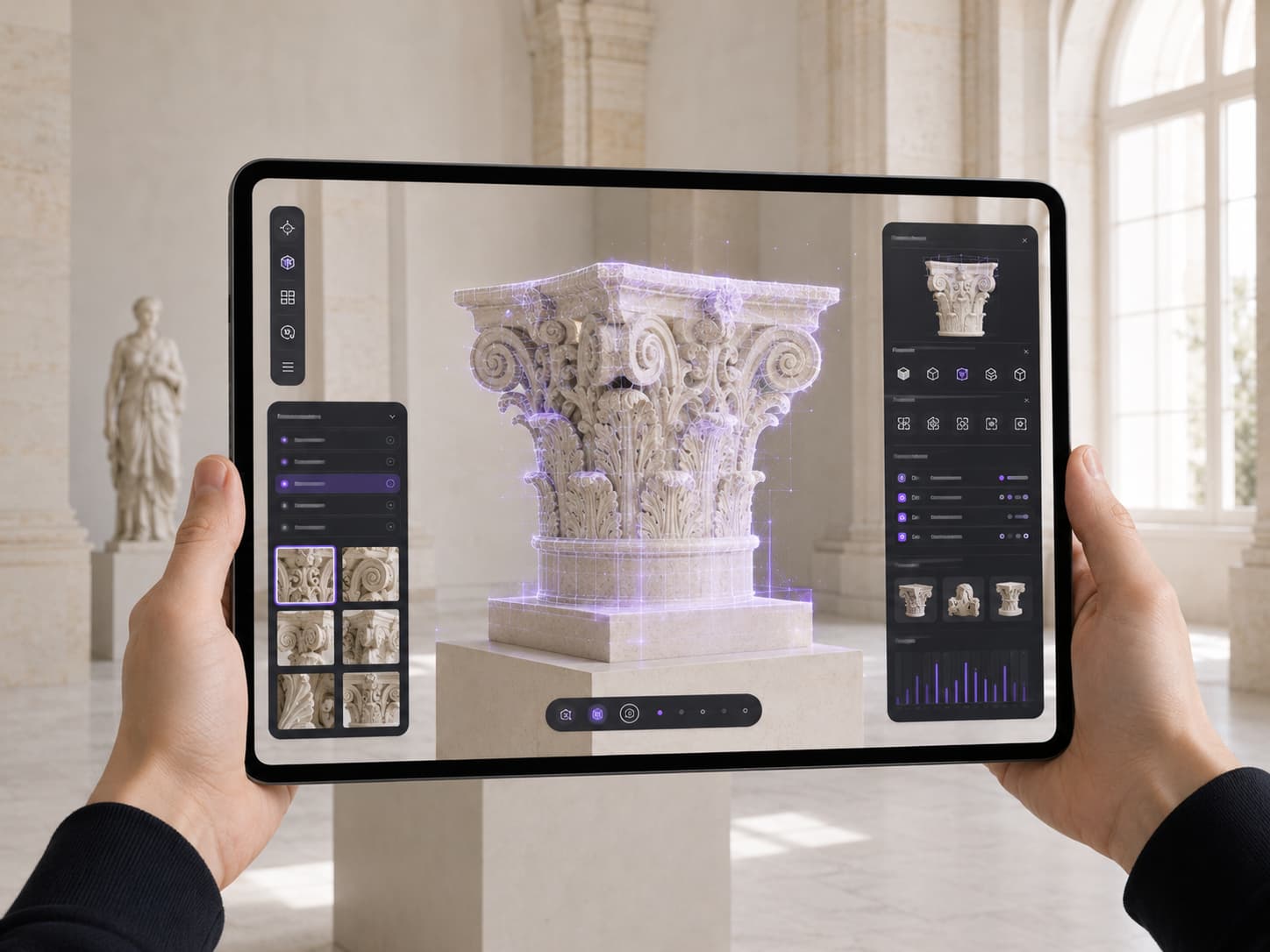
WebAR (Web-based Augmented Reality) is augmented reality delivered directly in a web browser, with no app to install. It uses the phone camera and sensors to overlay digital elements — 3D models, animations, information — onto the live video of the real world, all from a single web page.
Under the hood, a WebAR experience combines several tracking techniques depending on the use case:
- Image-target tracking. A reference image — a poster, a label, an artwork, a catalogue page — acts as the trigger. As soon as the camera recognises it, the augmented content anchors to it and follows it. Ideal in a museum to "wake up" one specific piece.
- Markerless tracking (SLAM). SLAM (Simultaneous Localization and Mapping) maps the environment in real time — floors, walls, relief — using the camera and the sensors (accelerometer, gyroscope). It lets you place a 3D object in real space and walk around it, with no reference image.
- Real-time 3D rendering (WebGL). Models, textures and animations are drawn by the browser's graphics engine (WebGL) — the same foundation that powers immersive 3D on the web.
- Access by QR code or link. No marketplace: the experience is a URL. It is distributed through a QR code, NFC, an email link or social media.
Worth remembering. WebAR is not a "downgraded app". It is an architecture decision: you trade the deepest operating-system features for immediate, zero-friction access. For public-facing interpretation, that trade-off is almost always the right one.
An honest technical note: WebXR is not universal yet
The web's standard augmented reality API, WebXR, is supported by Chrome on Android (via ARCore), Edge, Opera and some headsets, but not by Safari on iOS/iPadOS to date, according to public compatibility trackers. That matters: a museum cannot require its visitors to carry an Android phone.
This is why consumer-grade WebAR that works everywhere does not rely on WebXR alone, but on JavaScript computer vision libraries (proprietary or open source tracking engines such as MindAR) that run in any recent browser, iPhone included. That is where technical expertise separates a demo that works on one phone from an experience you can actually deploy to the public.
Why does removing the download change everything for interpretation?
Because the app download is the first place you lose visitors. Every step between the impulse and the experience — opening the store, finding the app, accepting permissions, waiting for the install — cuts the share of people who make it through. Remove that step and you remove the main leak in the journey.
The mobile benchmarks speak for themselves: app retention one day after install falls to 26% (in other words, 74% uninstall within a day), and to roughly 17% after 7 days, according to industry figures. For a cultural institution, downloading an app for a single two-hour visit makes no sense from the visitor's point of view.
Heritage venues add very concrete constraints:
- Connectivity. Many historic buildings get poor 4G/5G coverage and do not always offer Wi-Fi. Downloading a heavy app on site becomes painful, sometimes impossible.
- Storage and distrust. Many visitors refuse to install an app for one visit, either for lack of space or out of caution about permissions.
- Device diversity. iOS, Android, older versions: a Web App covers that range by design, where native means two builds and two store reviews.
Worth remembering. In interpretation, the goal is not "to have an app", it is to maximise the number of visitors who actually live the experience. Going download-free optimises that metric directly. The why of immersive interpretation is covered in our dedicated article on digital cultural mediation with 3D, AI and immersive technology.
What can WebAR do in a museum or on a heritage site?
The strongest use cases rely on context: showing the right augmented content, in the right place, at the right moment. Here are the three main families we use in cultural interpretation.
| Use case | Principle | Concrete example |
|---|---|---|
| On-site overlay | Reconstruct a lost monument or setting in 3D, aligned with the real place | Watching an ancient building "reappear" where its remains stand |
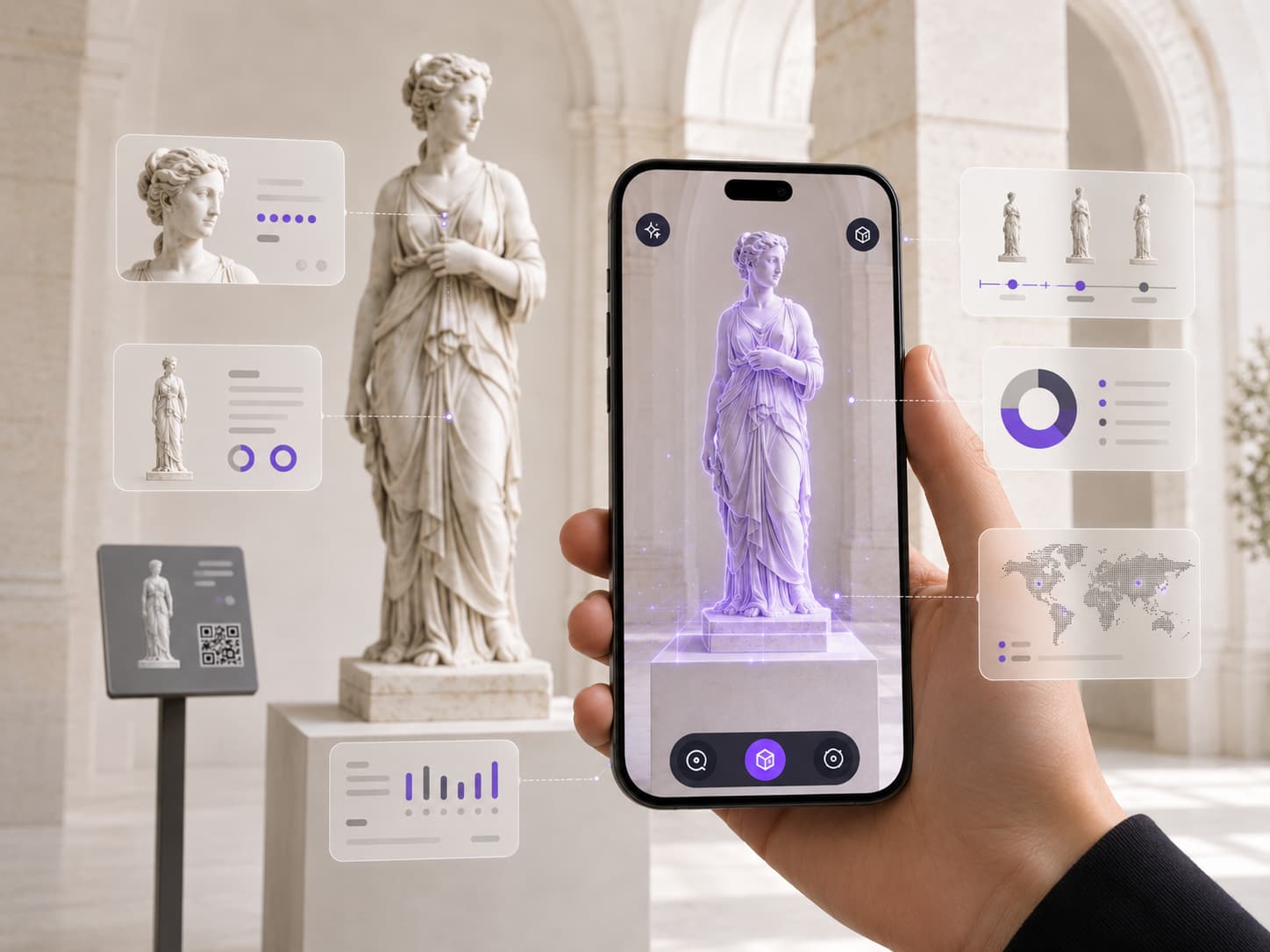
| Augmented reality encyclopaedia | Trigger content (text, audio, 3D) by pointing at an object, an artwork or a label | A statue that "explains itself" when the camera recognises it |
| Contextual content & treasure hunt | Enrich a route step by step, with augmented points of interest and game mechanics | A heritage treasure hunt guided by QR codes |
- The on-site overlay answers an old frustration in heritage: showing what no longer exists. WebAR brings back a volume, a colour scheme, a scene of daily life at the exact spot where the visitor stands.
- The augmented reality encyclopaedia turns the space into an interface: every artefact becomes an entry point to content, without multiplying screens or labels. This is exactly the approach we built for Nîmes-la-Romaine (see below).
- Contextual content and treasure hunts extend the visit and make it shareable — particularly effective with younger audiences and families.
These use cases sit on the real-time 3D foundation of the web: if you want to understand that technology layer in depth, we covered it in our article on immersive web and WebGL 3D.
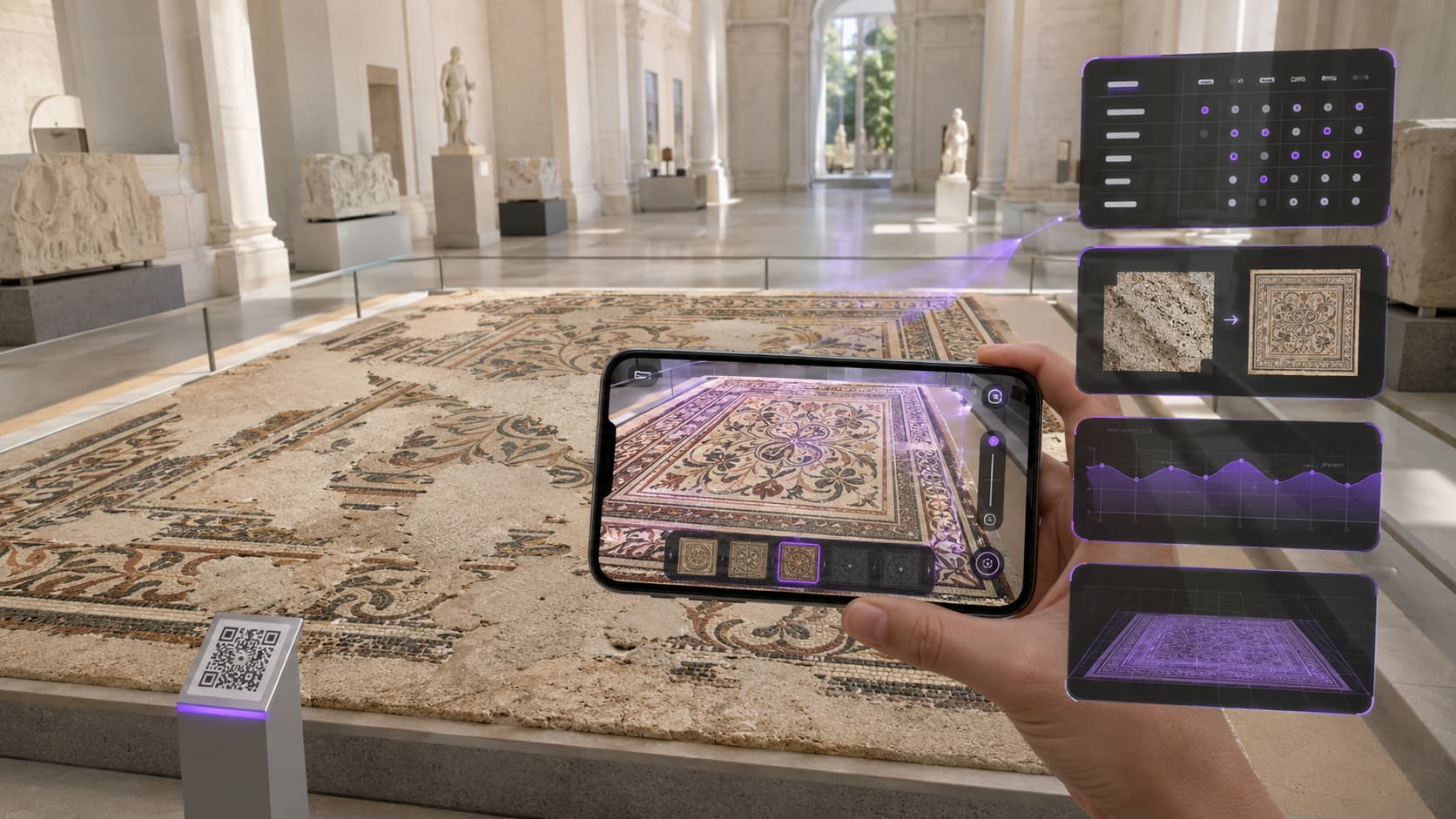
A visitor app combines with other interactive installations: scale model and video mapping, interactive kiosk and AI avatar, immersive room.
A real example: the augmented reality encyclopaedia in Nîmes
For the city of Nîmes (with our partner Aura, formerly EDEIS), METASENSE designed a tour Web App reached by QR code, with no download at all, including an augmented reality encyclopaedia. Visitors explore the monuments — the Arena, the Tour Magne, the Maison Carrée — in 3D, trigger augmented reality content and follow a treasure hunt, all inside their browser.
The experience is multilingual, driven by a custom-built CMS, and has supported thousands of simultaneous connections. It illustrates the exact trade-off of this article: choosing the install-free Web App to reach the largest possible audience, where a native app would have filtered visitors out at the door.
We are not repeating the full case study here — the detail of the augmented visitor journey in Nîmes (3D, storytelling, gamification) is told in our case study of the augmented 3D visitor journey in Nîmes.
WebAR or native app: how to choose?
WebAR wins whenever the goal is to give the largest number of people access to a one-off experience; native keeps the edge for intensive, offline or sensor-heavy use. The right choice depends on the interpretation goal, not on a technical preference.
| Criterion | WebAR (no download) | Native app |
|---|---|---|
| Access | Immediate (QR code / link) | Download from a store |
| Entry friction | Almost none | High (install + permissions) |
| Compatibility | iOS + Android, a single build | Two builds (iOS/Android) |
| Updates | Instant (server side) | Subject to store review |
| Intensive offline use | Limited (PWA cache) | Strong |
| Deep hardware access | Camera, basic sensors | Full system access |
| Best for | One-off visits, general public, events | Recurring use, collection apps, heavy features |
In cultural interpretation, the vast majority of visits are one-off: one visitor, once, with no intention of reusing an app. In that context, going download-free is not a compromise, it is the optimal strategy. Native makes sense mainly for an institution that wants a "loyalty" app used regularly, or very specific features (advanced offline augmented reality, deep hardware integrations).
Worth remembering. The real question is not "web or native?" but "how many visitors will actually live the experience?". For a visit, the answer almost always points to WebAR.
How to deploy a WebAR tour, step by step
Deploying a WebAR tour takes five steps, from defining the route to distributing the QR codes. Here is the method we apply, from idea to deployment.
- Frame the route and the interpretation intent. Define the points of interest, the content to augment and the visit scenario, together with the curatorial and cultural teams.
- Choose the tracking technique. Image targets (for identified artefacts and labels), markerless/SLAM (to place volumes in space) or a combination of both, depending on the venue.
- Produce the 3D and media content. 3D modelling, animation, audio and text; optimised for fast loading on mobile.
- Build the Web App and make it cross-device. Engineer the experience to work as well on iPhone as on Android (beyond WebXR alone), with a PWA option if a shortcut or cache is useful.
- Distribute and measure. Generate the QR codes, place them along the route, then track usage (sessions, duration, most-viewed points) to keep improving the experience.
How much does an augmented reality tour app cost?
Cost depends on scope: number of points of interest, volume of 3D to produce, multilingual delivery, gamification and CMS. A WebAR tour is a custom-built project; no off-the-shelf price is meaningful, because no two museums share the same collection or the same interpretation goals.
The biggest driver is usually 3D content production (reconstructions, modelling, animation), followed by the scale of the route and the features (multilingual, treasure hunt, editorial back office). Rather than publish a misleading price grid, we price each project against its real scope. To situate yours, the simplest route is to talk it through with our team.
Let's talk about your augmented visit project
You run a museum, a heritage site, a tourist office or a local authority, and you want visitors to tour without being asked to download anything? That is exactly METASENSE's ground: we design and build immersive augmented reality experiences, from framing the interpretation to deploying the QR codes, as we did for Nîmes-la-Romaine.
Our dual role — creative consultancy and in-house technical expertise, based in Vélizy-Villacoublay — lets us design the journey and make it genuinely deployable, on every phone your visitors carry.
Let's talk about your augmented visit project →
FAQ — No-download museum tour app
What is a no-download tour app?
It is a tour Web App reached through a link or a QR code, running in the phone's browser with nothing installed from a store. The visitor scans and the experience starts, often in augmented reality, with no account and no storage used.
What is WebAR?
WebAR (Web-based Augmented Reality) is augmented reality delivered directly in a web browser, with no app to install. It uses the phone camera and sensors to overlay digital elements onto the real world, through a single web page opened by QR code or link.
Is augmented reality without an app reliable on iPhone?
Yes. The WebXR API is not supported by Safari on iOS yet, but consumer WebAR relies on JavaScript computer vision libraries that work on iPhone as well as on Android. A well-built WebAR experience is therefore usable by almost every visitor.
Why avoid an app download for a museum?
Because the download is the first place visitors are lost. On mobile, around 74% of apps are uninstalled the very next day. For a single visit, asking people to install an app filters the audience heavily; going download-free maximises the number of people who live the experience.
Do you need an internet connection for WebAR?
Yes, a connection is needed to load the experience, ideally over on-site Wi-Fi. A Progressive Web App (PWA) can cache some content to reduce network dependency, but WebAR is designed for connected use, unlike a native app optimised for offline.
How does the visitor reach the experience?
Most often through a QR code displayed at the entrance, on a label or in front of an artefact. It can also be a link sent by email, shared on social media or triggered by NFC. There is never a search in a store.
What is the difference between WebAR and a native app?
WebAR opens in the browser with no install and runs on iOS and Android from a single build. A native app is downloaded from a store and requires two separate builds, but offers better hardware access and offline support. For a one-off visit, WebAR is generally preferable.
What is an augmented reality encyclopaedia?
It is an experience that turns the space into an interface: pointing the camera at an artwork, a monument or a label triggers augmented content (3D, text, audio). This is the approach METASENSE built for Nîmes-la-Romaine, available with no download.
Does WebAR work on every phone?
On almost every recent smartphone with a camera and an up-to-date browser, yes. Compatibility depends on the tracking technique chosen and on build quality; a professional experience is tested across a wide range of iOS and Android devices before deployment.
How long does it take to set up a WebAR tour?
It depends on scope: number of points of interest, volume of 3D to produce and features (multilingual, gamification). A simple route is faster than a full augmented encyclopaedia. The schedule is set once the interpretation scenario is framed.
Can gamification be added to a museum WebAR?
Yes. Treasure hunts, points to collect and quizzes fit naturally into WebAR and extend the visit, especially for families and younger audiences. METASENSE combined augmented reality and gamification in the Nîmes-la-Romaine visitor journey.
Does WebAR replace audio guides or labels?
It complements them rather than replacing them. WebAR adds an augmented, contextual layer — seeing a monument reconstructed, triggering content by pointing at an artefact — while sitting alongside classic interpretation for visitors who would rather not use their phone.
Sources
- Numerized — WebAR : la réalité augmentée sur le web et sans application
- 8th Wall — Image Targets (technical documentation)
- BrowserStack — WebXR : compatible browsers & implementation
- Google Developers — WebXR & AR dans le navigateur
- Andromo — Métriques des applications mobiles (rétention)
- OpenEdition / OCIM — Les applications mobiles de musées et de sites patrimoniaux en France